AuDHD Work Dashboard for Notion
Original price was: € 13,95.€ 10,95Current price is: € 10,95.
A calm ADHD and AuDHD Notion work dashboard for planning by capacity, not pressure. Designed to help with task initiation, executive dysfunction, vague work expectations, task switching, meeting follow-ups, workplace scripts, and end-of-day shutdown.
Description
A Second Brain Notion template for AuDHD minds
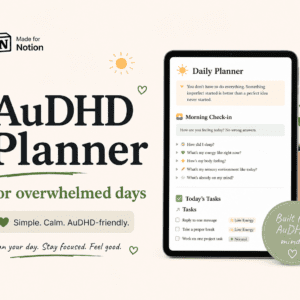
The AuDHD Work Dashboard is a Notion template designed to help you manage work without forcing every task into the same rigid productivity system.
It works as a gentle second brain for your workday: a place to hold your focus, parked thoughts, tasks, follow-ups, scripts, check-ins, and shutdown notes so they do not all have to stay in your head.
Instead of planning by pressure, this dashboard helps you plan by capacity.
Who this Notion template is for
This dashboard may be helpful if you:
- struggle with task initiation
- get stuck in task paralysis
- lose track of meeting follow-ups
- feel overwhelmed by unclear priorities
- need to sort tasks by energy instead of urgency
- find task switching harder than the task itself
- need written structure without a strict schedule
- want a second brain that does not become another system to maintain perfectly
It was designed with ADHD, autism, and AuDHD work friction in mind, especially for messy workdays with hidden expectations, interruptions, context switching, and too many open loops.
What the dashboard helps with
Choosing one current focus
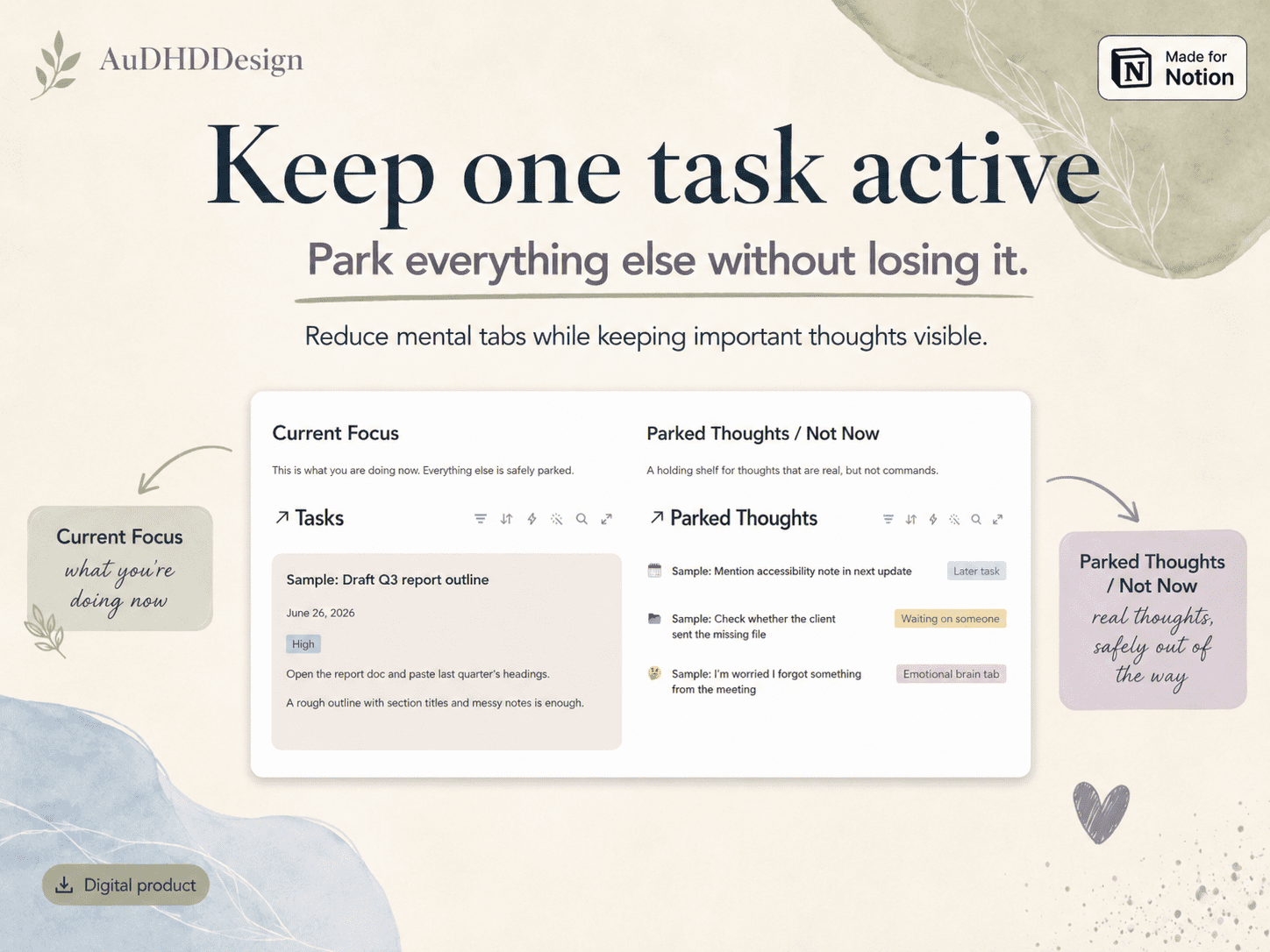
Use the Current Focus section to choose the one task you are doing now, so everything else can stop competing for attention.
Parking mental tabs
Use Parked Thoughts / Not Now to store distracting thoughts, worries, waiting points, later tasks, and emotional brain tabs without losing them.
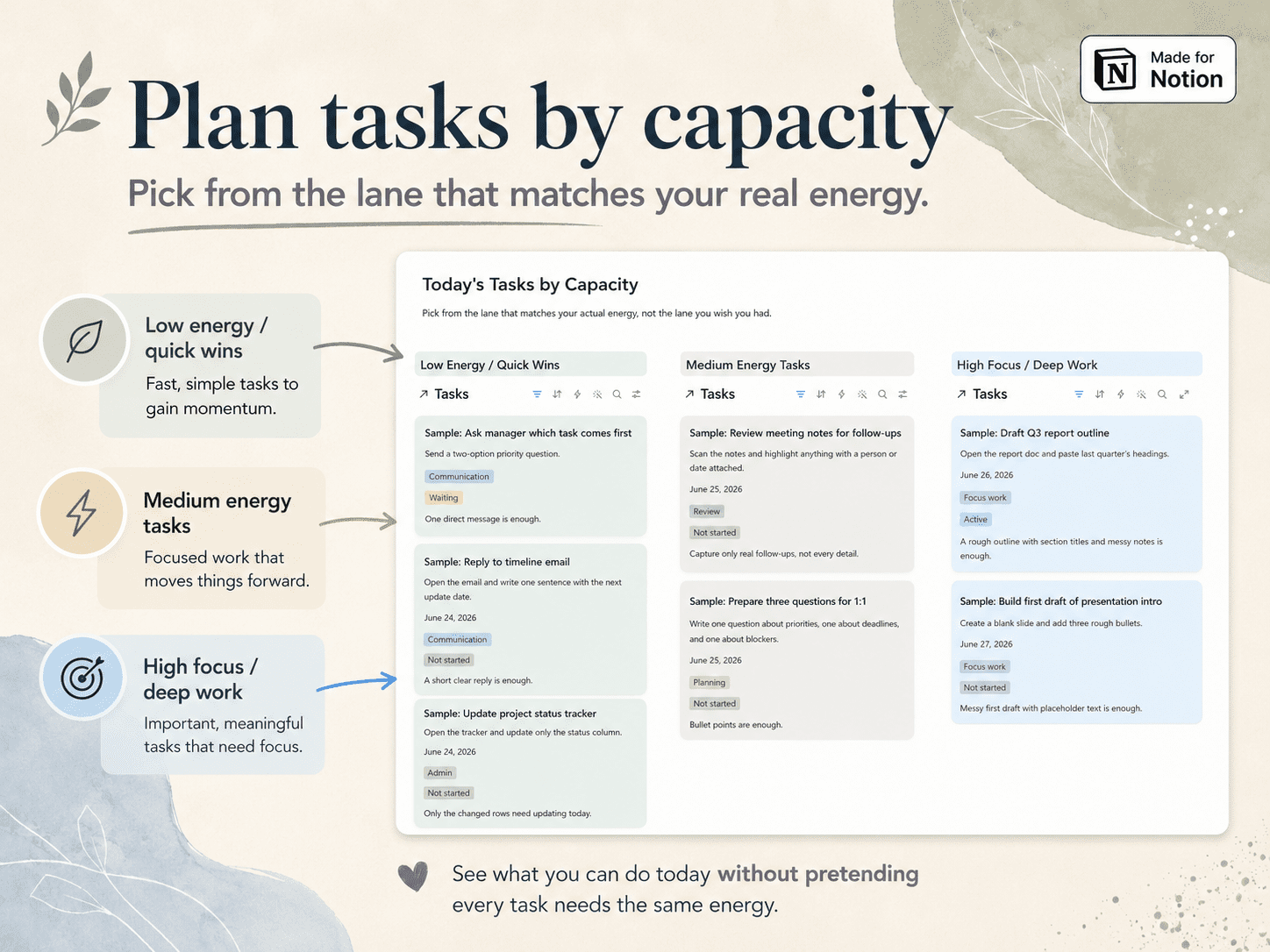
Planning by capacity
Sort tasks into low-energy quick wins, medium-energy tasks, and high-focus deep work so your plan matches your actual energy.
Clarifying vague work
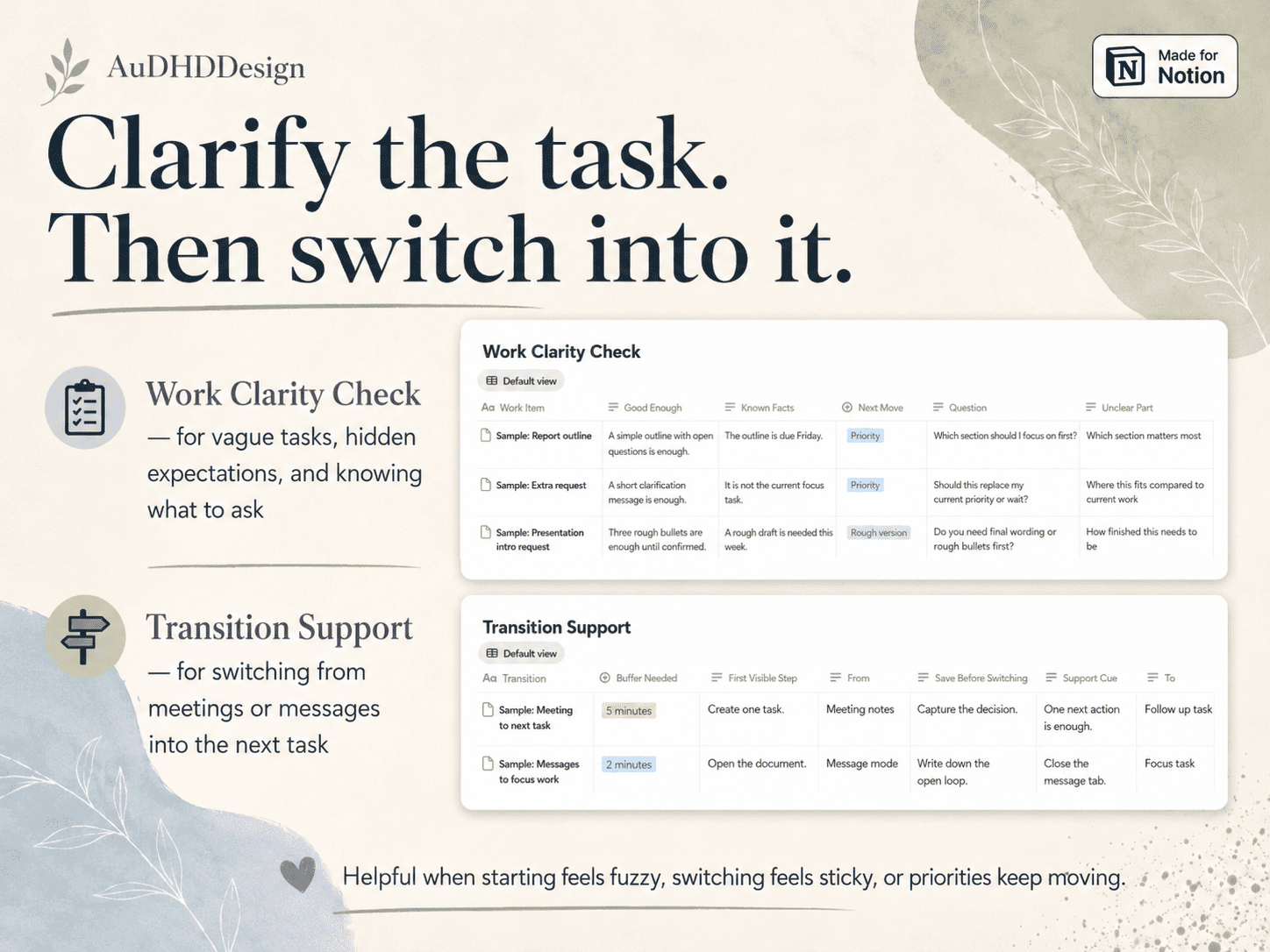
Use the Work Clarity Check when a task feels unclear, too open-ended, or full of hidden expectations.
Switching tasks with less friction
Use Transition Support to move from meetings, messages, or one task mode into the next step with a smaller buffer.
Keeping work scripts nearby
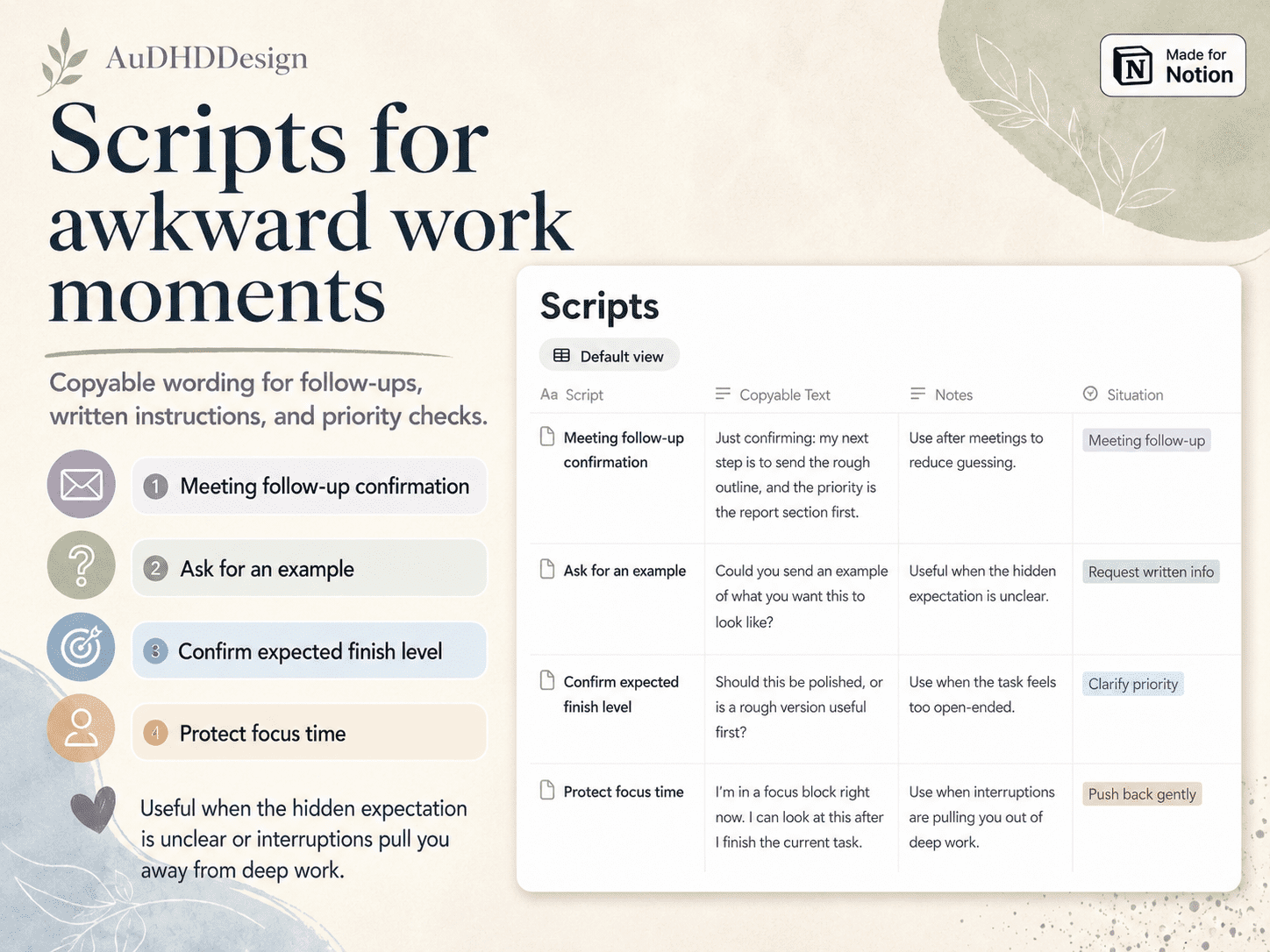
Use copy-ready Communication Scripts for written instructions, priority checks, examples, meeting follow-ups, and focus protection.
Ending the workday
Use the Work Log, Energy Check-In, and Shutdown Log to track what you did, notice what drained you, and close the day with one clear next step.
What is included
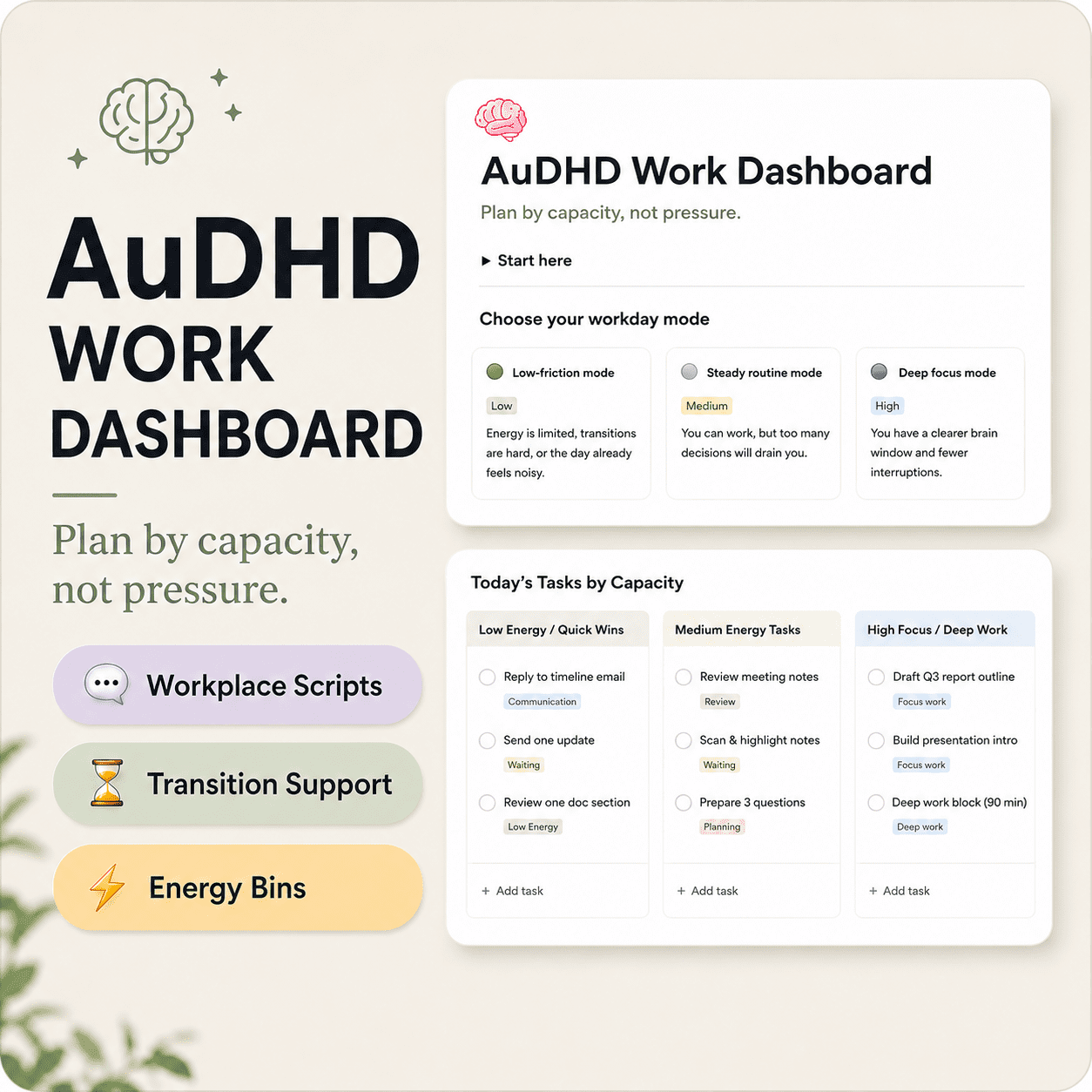
Workday Modes
Choose between low-friction, steady routine, and deep focus modes based on your actual capacity.
Current Focus
Keep one task active so your brain knows what is happening now.
Parked Thoughts / Not Now
A safe holding place for thoughts, worries, interruptions, and later tasks.
Tasks by Capacity
Organize work into low-energy quick wins, medium-energy tasks, and high-focus deep work.
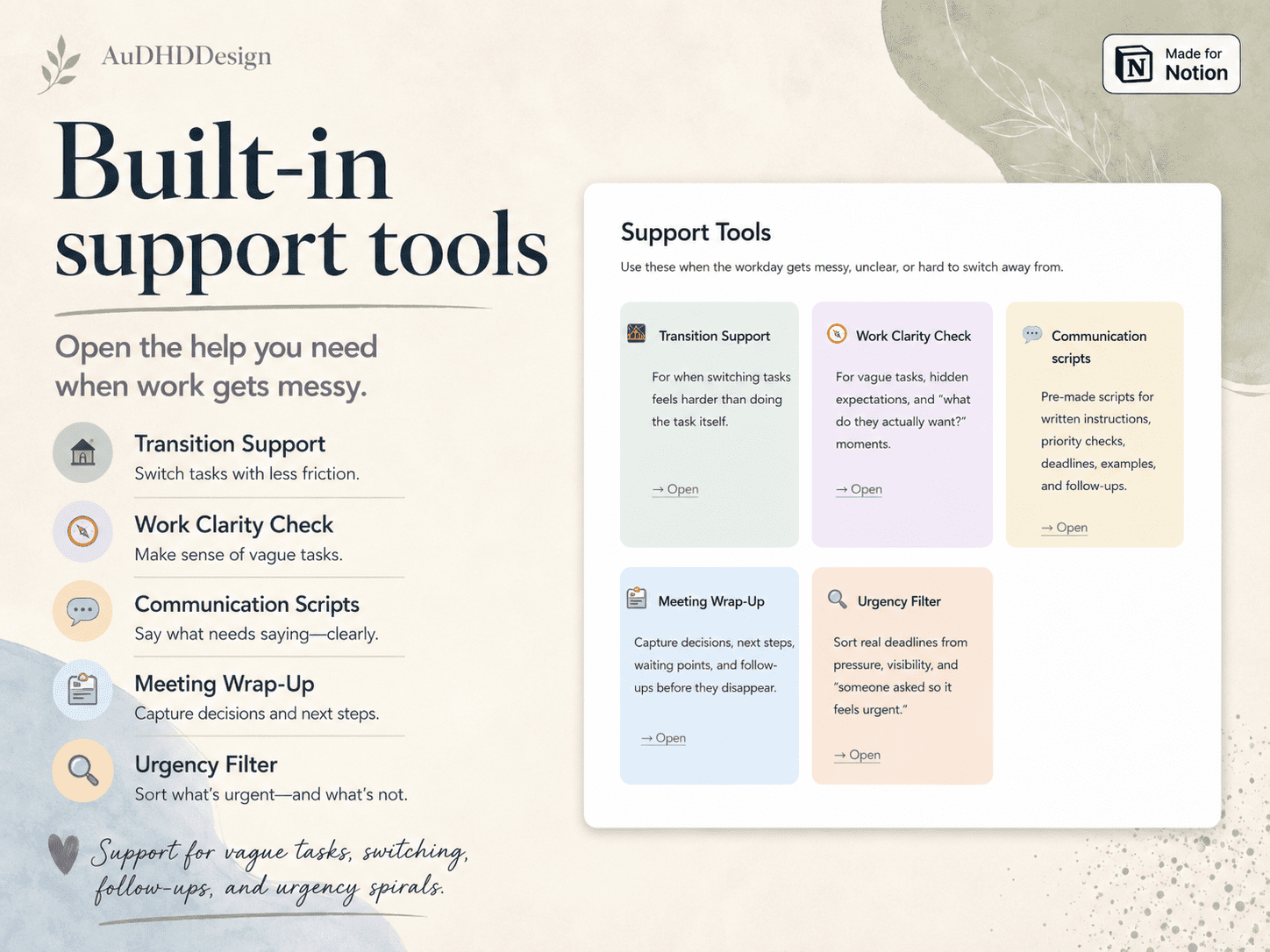
Transition Support
Support for switching from one task, meeting, or communication mode into another.
Work Clarity Check
A structure for vague tasks, unclear priorities, hidden expectations, and “what do they actually want?” moments.
Communication Scripts
Copy-ready wording for written instructions, priority checks, examples, follow-ups, and focus protection.
Meeting Wrap-Up
Capture decisions, next steps, waiting points, and follow-ups before they disappear.
Urgency Filter
Sort real deadlines from pressure, visibility, and “someone asked, so it feels urgent.”
What I Actually Did
Track small steps, admin, communication, planning, decisions, and invisible work that still counts.
Energy Check-Ins
Notice energy, focus state, sensory load, masking fatigue, meeting load, transition difficulty, and recovery needs.
Shutdown Log
Close the workday with open loops, waiting points, one next step, and permission to stop.
How it works
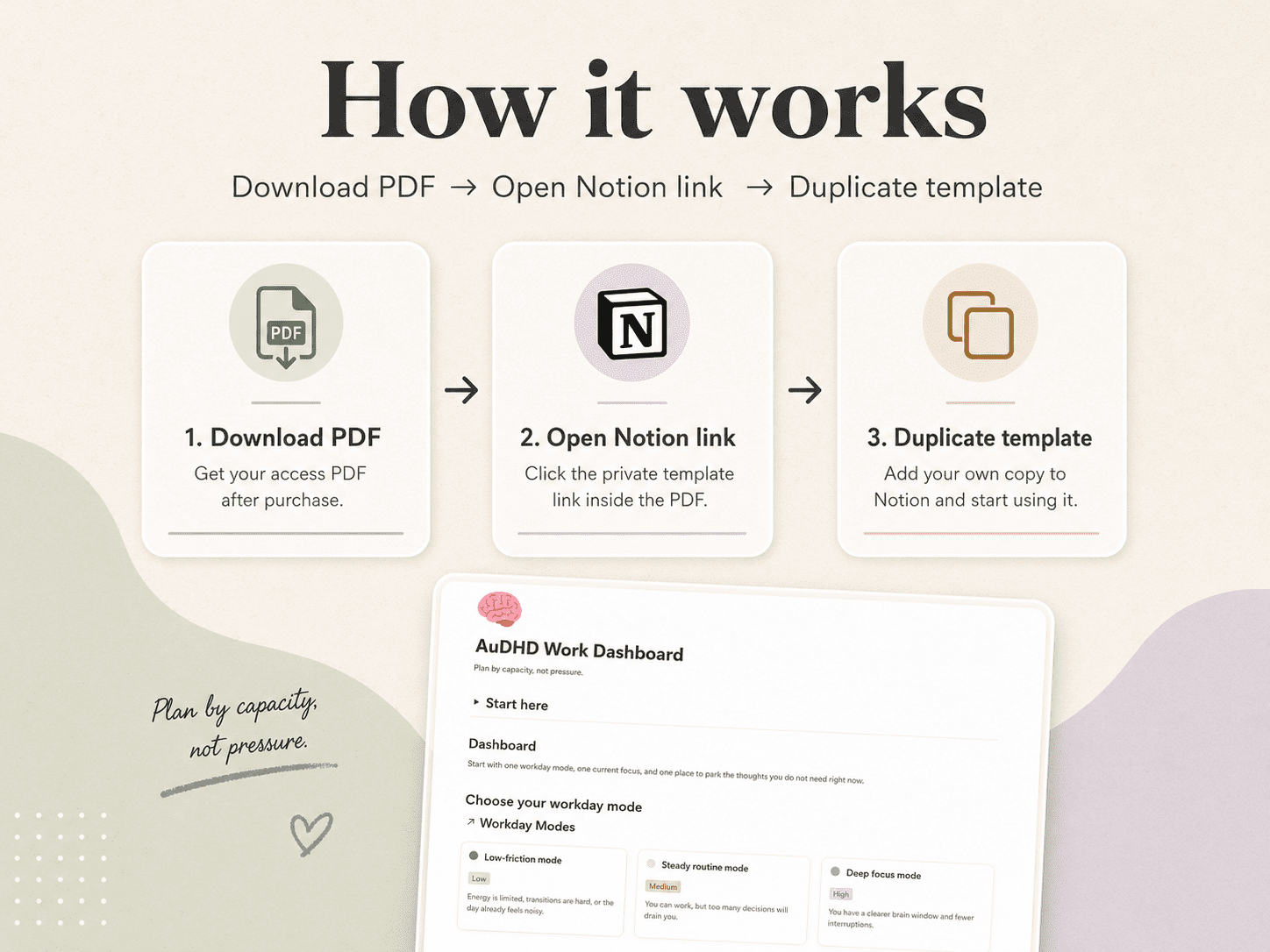
After purchase, you will receive a PDF access guide with a clickable Notion template link.
Step 1: Download the PDF
Download the access guide from your order.
Step 2: Open the Notion link
Click the template link inside the PDF.
Step 3: Duplicate the template
Duplicate the dashboard into your own Notion workspace and start using your copy.
Important information
This is a digital Notion template. No physical item will be shipped.
A free Notion account is required.
This template is for personal use only. Please do not resell, redistribute, share, or copy the template link or dashboard structure for commercial use.
This product is not affiliated with or endorsed by Notion.
Only logged in customers who have purchased this product may leave a review.


Reviews
There are no reviews yet.